Checks & tasks
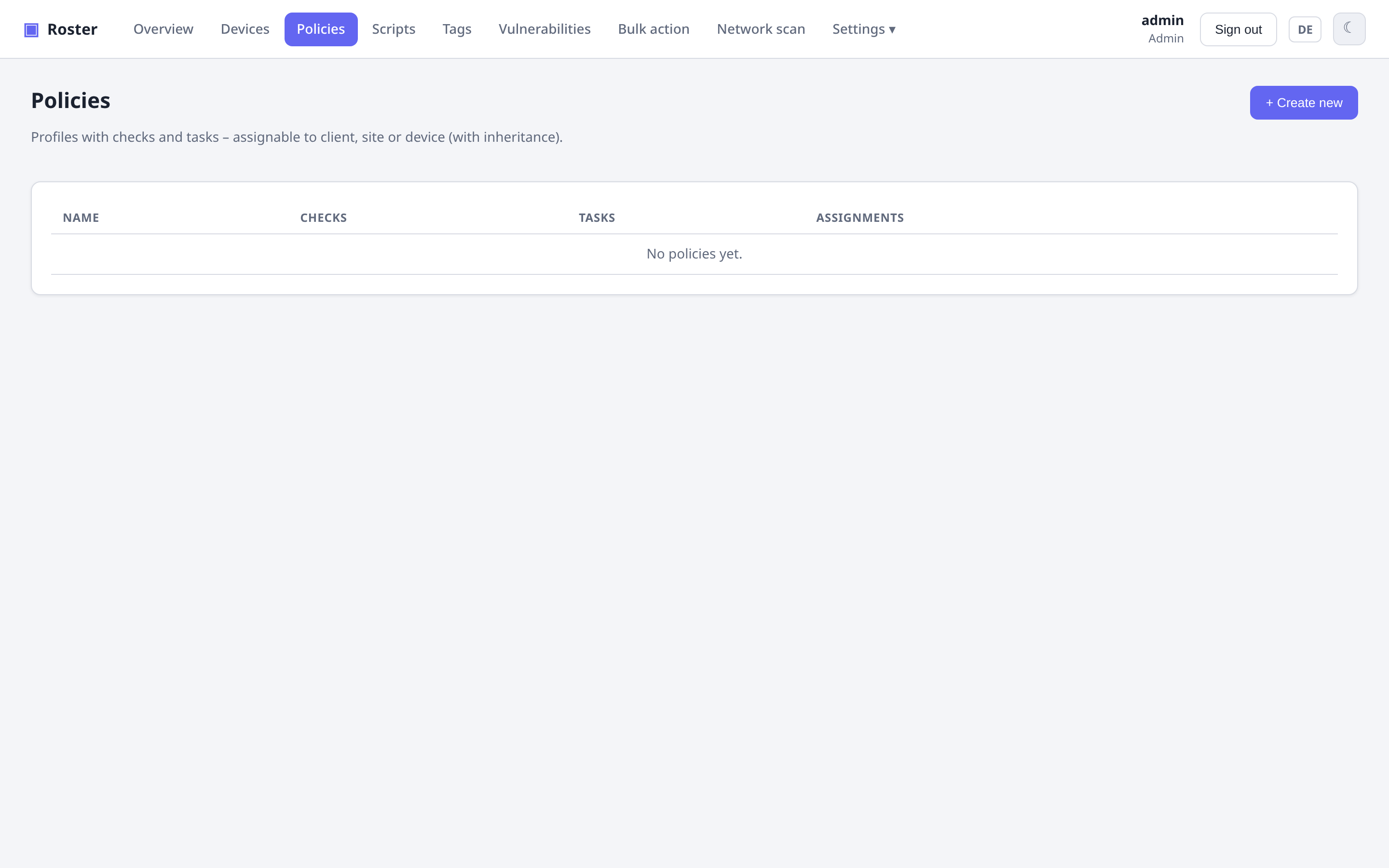
Policies bundle checks (monitoring) and tasks (scheduled automation) and are assigned to a company, site or device with inheritance (device → site → company).
Checks
Each check has its own frequency, severity, output comparison and platform targeting:
- Thresholds:
disk,memory,cpu, pendingupdates. - Script: run a shell/PowerShell script and evaluate its result.
- Network: native
ping,tcpport,httpstatus. - Open ports: alert when a device exposes a public port not on an allow-list.
- Temperature: warning/failing when a sensor gets too hot — by default at the limits
the chip reports itself (critical at
crit, warning atmaxor 10 °C belowcrit), optionally with your own °C thresholds and a sensor filter such ascpuornvme. - Fans: failing when a fan stops, its chip raises an alarm or it runs below a minimum speed (the chip's own or yours), optionally filtered to e.g. the CPU fan.
- Proxmox backups: every guest on a PVE host has a recent, successful backup and sits in a backup job — see Proxmox VE.
Failing checks surface as a health badge in the device list and drive alerting and self-healing.
Tasks
Scheduled scripts with a frequency (interval / daily / weekly / …), keeping the last run per task plus a full run history. You can also re-run any check or task on demand with the ↻ button.
Time zone
A task set to daily 02:00 runs at 02:00 in the time zone configured under Settings →
General. The server sends that zone down with the policy and the agent schedules in it —
otherwise every machine would use its own clock and the same schedule would mean a
different moment on each of them (a Raspberry Pi on Europe/London, a container on UTC, a
workstation on local time).
Leave the setting empty to keep the old behaviour: each device uses its own system time. Agents older than 0.16.0 ignore the zone and always use their own clock. Changing the setting shifts existing fixed-time schedules once — that is the point, but worth knowing before you switch it on. Backups use the same zone; see Backups.
Tasks or backups?
Tasks are scheduled by the agent and run on the device itself. Scheduled backups live in their own section of a policy — they are scheduled by the server and can wait for another device and trigger a follow-up action on one. See Backups.
Self-healing
Automatic remediation: run a script or restart a service when a check fails — so common problems fix themselves before anyone gets paged.
Scripts
A reusable script library (shell / PowerShell, with platform targeting) powers script checks, tasks, self-healing and ad-hoc "run script" actions.
Script checks/tasks are remote code
Anything that runs scripts on endpoints is powerful. Grant the Scripts and
Operate devices permissions deliberately — see
Roles & permissions.