Remote desktop & terminal
Roster has built-in remote control and an interactive terminal — no third-party VNC software, no second daemon. Everything runs over the same on-demand tunnel: the agent parks a lightweight long-poll, and a session is spun up only when you start one.
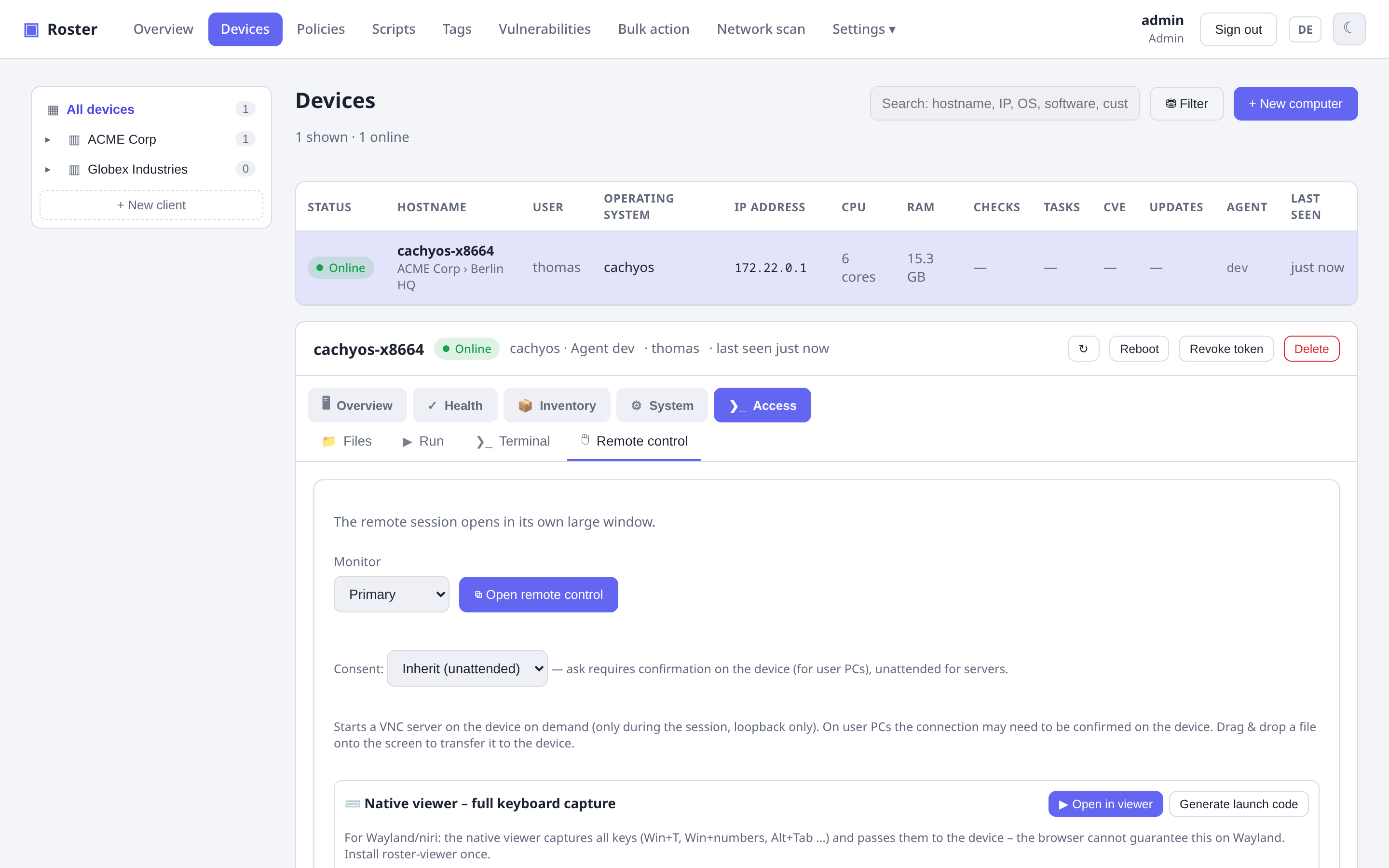
Remote desktop
The agent is the VNC server (a built-in RFB server), so there is nothing extra to install. Screen, mouse and keyboard are relayed through the tunnel. Features:
- Login screen / UAC / lock screen coverage on Windows (the capture helper follows the input desktop).
- Clipboard sync, monitor selection, drag-&-drop file transfer onto the remote desktop.
- Live resolution switching (RFB
DesktopSize) — change the resolution without a black screen, plus a one-click guest-driver installer for VMs (Proxmox / VirtIO / SPICE) where the resolution is greyed out.
Two ways to connect
Click Open remote control and it runs right in your browser. On Windows/Chromium, fullscreen enables the Keyboard Lock API so system keys reach the device.
A bundled roster-viewer (SDL3, cgo-free, downloads for Linux/Windows/macOS with
no toolchain) captures all keys via keyboard-shortcuts-inhibit — including Win+T,
Win+numbers and Alt+Tab that the browser cannot grab on Wayland. It has a floating
AnyDesk-style toolbar with real Ctrl+Alt+Del (SendSAS), block-local-input,
on-screen message and a quality selector. Launch it with one click via a roster://
link, or paste the launch code into its connect dialog. Packages for every platform the server
carries are listed under Settings → Downloads (Linux x86-64/ARM64, Windows; the
macOS build is attached to the GitHub release).
Remote terminal
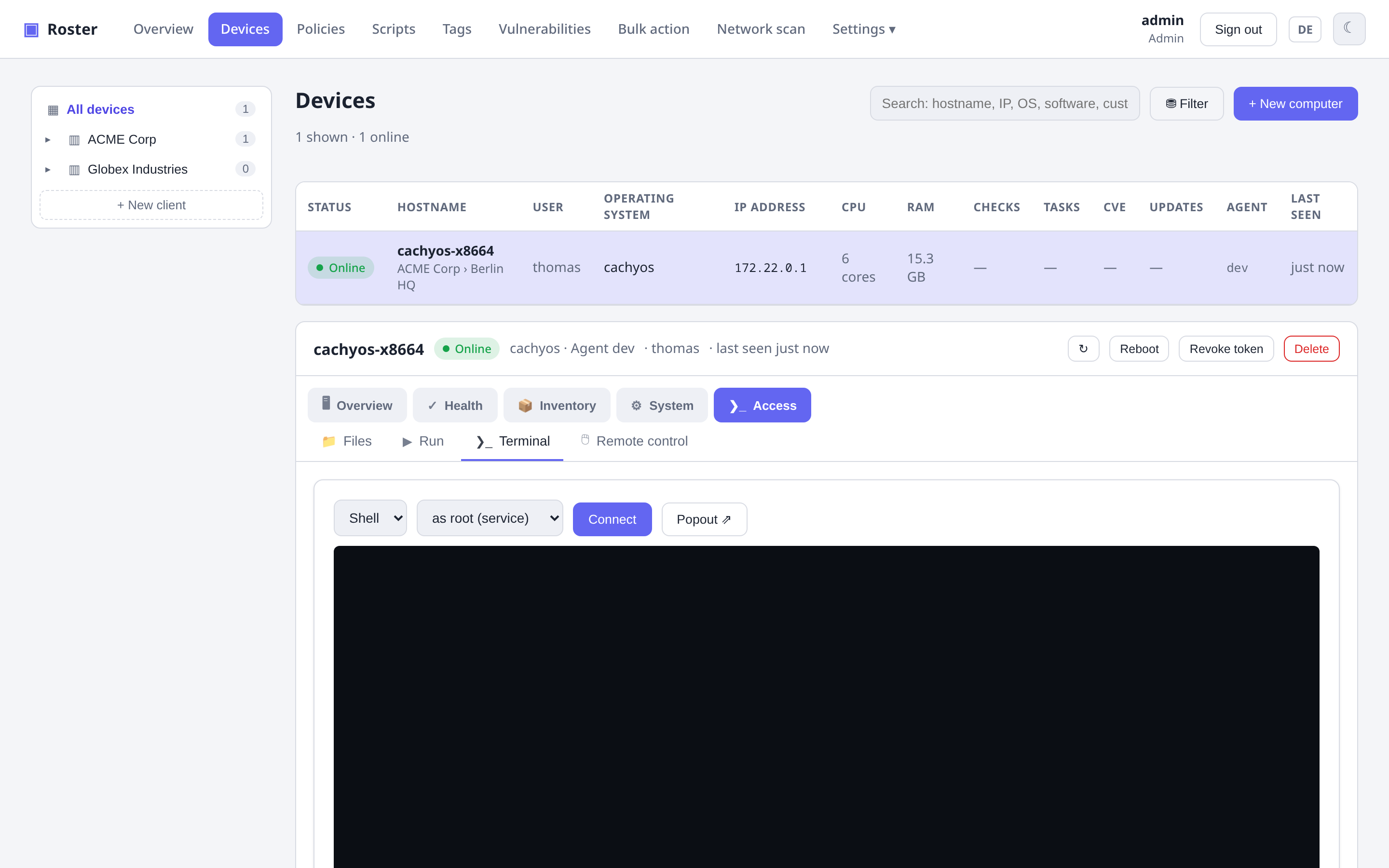
An interactive shell over an on-demand WebSocket, with a pop-out window. On Windows you can run as SYSTEM or as the logged-in user.
Consent (attended vs unattended)
Remote sessions can require consent at the device (a prompt the user must accept) or run unattended — configurable per company/site/device, so user PCs can prompt while servers connect unattended.
Security
- The VNC server binds to
127.0.0.1only and runs only during a session — never exposed on the LAN. - Access is gated by the same RBAC as the rest of the app (
Operate devicespermission) and is audited.